Optimize Your YouTube Thumbnails with Our Ultimate Size Guide
**
Optimize Your YouTube Thumbnails with Our Ultimate Size Guide
**The thumbnail of a YouTube video is the first thing that catches a viewer's eye, determining whether they click on the video or not. According to YouTube, the thumbnail is responsible for 93% of click-through rates, making it a crucial element of video marketing. With so much competition on the platform, having an eye-catching and informative thumbnail is essential for standing out. However, creating a thumbnail that meets YouTube's size requirements and engages the target audience can be a challenge for many creators.
In this article, we will delve into the world of YouTube thumbnail optimization, providing you with a comprehensive size guide and expert tips on how to create thumbnails that drive engagement, increase watch time, and get more views.
**Understanding the Importance of Thumbnail Size**
YouTube allows creators to upload videos with a maximum file size of 128GB, but when it comes to thumbnails, size is everything. A thumbnail that is too small or too large can result in poor image quality, decreased click-through rates, and ultimately, a lower ranking in the algorithm. So, what are the ideal thumbnail dimensions for YouTube?
**Thumbnail Size Requirements**
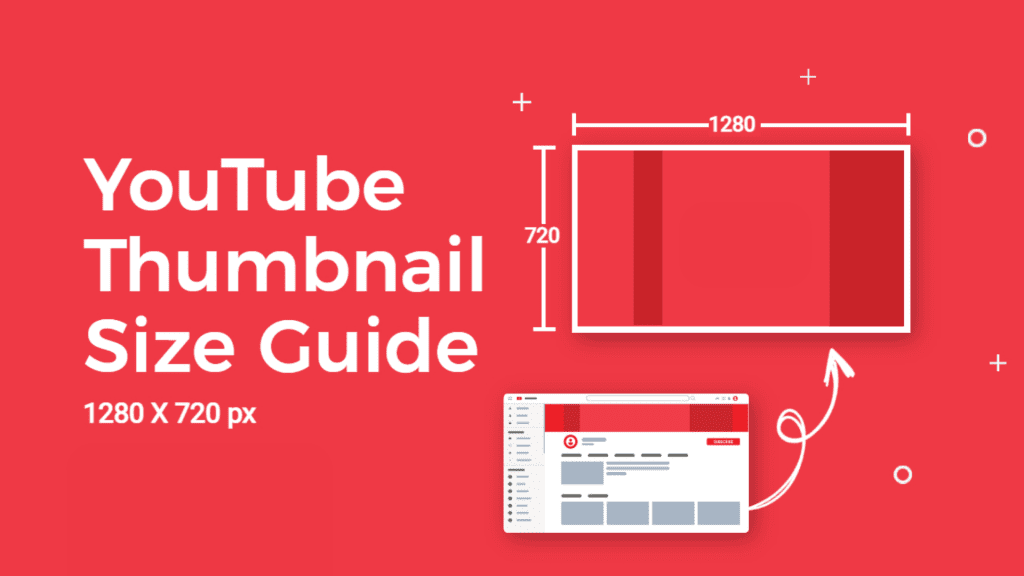
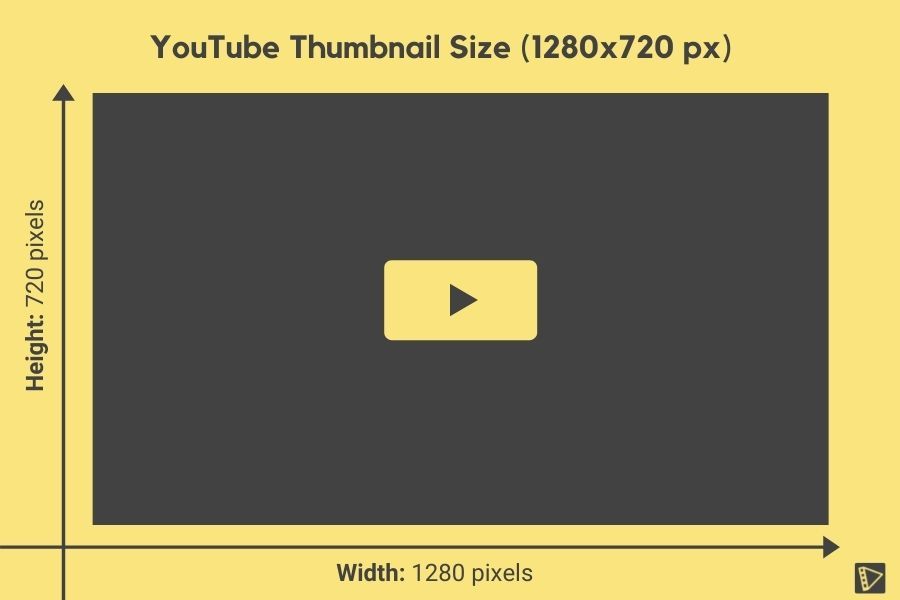
According to YouTube's official guidelines, there are specific size requirements for thumbnails. Here's a breakdown of the recommended dimensions:
* Aspect ratio: 16:9 or 1.77:1
* Maximum width: 1280 pixels
* Maximum height: 720 pixels
* File size: 2MB or less
* File type: JPEG or PNG
**Understanding Aspect Ratio: A Key Factor in Thumbnail Optimization**
Aspect ratio is a crucial element of thumbnail optimization. A 16:9 aspect ratio is the recommended ratio for YouTube thumbnails, as it mirrors the common video aspect ratio used in the platform. Maintaining a consistent aspect ratio ensures that your thumbnail appears correctly on various devices, including desktops, laptops, tablets, and smartphones.
**Tips for Creating Engaging Thumbnails**
1. **Use a clear and visually appealing image**: Your thumbnail should be easy to distinguish, especially in a crowded feed. Use high-quality images or illustrations that capture the essence of your video content.
2. **Include text overlays**: Text overlays can add context and make your thumbnail more informative. Use a clear, easy-to-read font and ensure that the text doesn't skew the aspect ratio.
3. **Highlight key points**: Make sure your thumbnail highlights the key points of your video. This could be a quote, a statistic, or a question that prompts viewers to click on the video.
4. **Test and experiment**: Thumbnail optimization is an ongoing process. Test different thumbnail variations and experiment with different sizes, aspect ratios, and image angles to see what works best for your audience.
**Optimizing Thumbnails for Different Devices and Viewpoints**
As viewers engage with your video on various devices, it's essential to consider how your thumbnail will appear on different platforms. Here's how to optimize your thumbnails for different devices and viewpoints:
* **Desktops**: A 16:9 aspect ratio will ensure that your thumbnail appears correctly on desktop devices.
* **Laptops**: If you're targeting laptop viewers, make sure your thumbnail is high-resolution and doesn't appear distorted.
* **Smartphones**: For smartphone viewers, a 9:16 aspect ratio (portrait mode) is recommended. Ensure that your thumbnail is optimized for vertical viewing.
* **Tablets**: For tablet viewers, a combination of landscape and portrait orientations may be required. Optimize your thumbnail to adapt to the device's screen size and orientation.
**Tools and Resources for Thumbnail Optimization**
To streamline your thumbnail optimization process, consider using the following tools and resources:
* **Thumbnail creators**: Tools like Canva, Adobe Creative Cloud, or ThumbnailPro can help you create high-quality thumbnails in minutes.
* **Image compression tools**: Use online tools like TinyPNG or ImageOptim to compress your image files without compromising quality.
* **Thumbnail analytics**: Analyze your thumbnail performance using YouTube Analytics or other third-party tools to identify trends and areas for improvement.
**Best Practices and Common Mistakes to Avoid**
To create engaging thumbnails that drive engagement, follow these best practices and avoid common mistakes:
* **Avoid using too much text**: Keep your text overlays concise and easy to read.
* **Don't distort images**: Ensure that your images appear correctly on different devices and orientations.
* **Use high-quality images**: Steer clear of low-resolution or pixelated images that can appear unprofessional.
* **Experiment with color schemes**: Use a color scheme that complements your brand and resonates with your target audience.
**Conclusion**
Thumbnail optimization is a crucial aspect of YouTube video marketing, and understanding the right size requirements is just the starting point. By considering aspect ratio, image quality, and viewer preferences, you can create thumbnails that drive engagement and reach a wider audience. Follow the tips and best practices outlined in this article to optimize your thumbnails and elevate your video marketing strategy.
**By optimizing your thumbnails, you can increase click-through rates, engagement, and brand awareness.**
Optimize your YouTube thumbnails today and take the first step towards success on the platform.


Related Post
Trashing the Status Quo: Trump and Zelensky's Memes in the Spotlight

The Rise of Rohit Shetty's Singham 2: A Bollywood Blockbuster Like No Other

FOX NEWS' FAVORITE: UNCOVERING THE TRUTH ABOUT MEET THE FOX AND FRIENDS WEEKEND
EXPOSED: How to Know If Someone Blocked You On Wizz